
 Sale
Sale


Tune Your Guitar Like a Pro with Guitar Tuna
If you’re a guitarist, you know the importance of staying in tune. Enter Guitar Tuna, the app that’s become a go-to for musicians everywhere. Whether you’re jamming in your garage or playing on stage, this tool takes the guesswork out of tuning your six-string beast. Let’s dive into what makes Guitar Tuna a killer choice for everyone from beginners to pros.
What is Guitar Tuna?
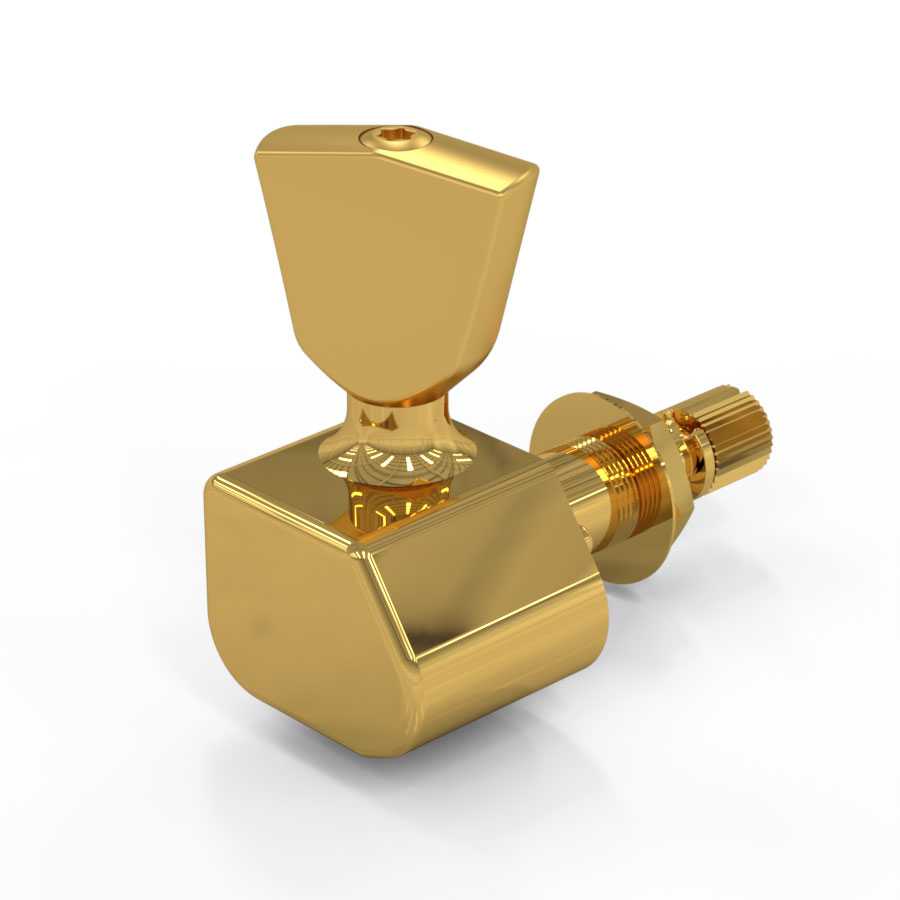

Guitar Tuna is a multi-platform tuning app that uses your phone’s microphone to listen to your guitar and tell you exactly how to tweak those strings. It’s got a sleek interface, and trust me, it’s super user-friendly. You won’t need to mess with complicated settings; just fire it up and start tuning.
Why Use Guitar Tuna?
- Accuracy: Reliable pitch detection means you get a precise tune every time.
- Variety: From standard tuning to open tunings, it covers it all. You can even tune bass guitars and ukuleles.
- Engaging: The game-like features make tuning fun, especially for beginners.
Pros and Cons of Guitar Tuna
Pros
- Simple interface; anyone can figure it out.
- Audio feedback helps you learn the sound of the notes.
- Multitude of tuning modes and instruments.
- Free with some premium features, so you can start tuning without any upfront costs.
Cons
- Some features require payment, but they’re not necessary for basic tuning.
- Requires a decent microphone; older devices might struggle.
How to Get Started
Ready to rock? Here’s how to get Guitar Tuna up and running:
Recommended gear: Compact Guitar Pick Holder – Stylish and Portable Accessory
- Download the app from the official Tronical site or your app store.
- Launch the app and let it access your microphone.
- Select your instrument and tuning type.
- Pluck your strings and adjust based on what the app tells you.
Real-World Use: When to Pull Out Your Guitar Tuna
So, when do you actually need Guitar Tuna? Here are some real-world scenarios:
- Before a gig: Always give a quick tune-up to ensure you sound tight.
- Practicing: Tune before every session to develop your ear.
- With new strings: Fresh strings can stretch and go out of whack, so tune often.
Accessories to Level Up Your Tuning Game
While Guitar Tuna is a great start, consider adding some gear to enhance your experience. Check out these must-have accessories:
Recommended gear: Toggle Switch Gibson Firebird X
Recommended gear: Metal Bridge Pins 6-Pack (Gold Finish)
- Toggle Switch Gibson Firebird X for excellent sound control.
- Compact Guitar Pick Holder to keep your picks within reach.
- Metal Bridge Pins 6-Pack for a sleek upgrade to your rig.
FAQ
1. Is Guitar Tuna free to use?
Yes, the basic features are free, but there are premium options you can unlock if you want more tuning modes.
2. Can I use Guitar Tuna on acoustic guitars?
Absolutely! Guitar Tuna works with acoustic guitars, electric guitars, and even basses.
3. Does Guitar Tuna work in noisy environments?
It might struggle a bit, but it’s better than most apps. Try to find a quieter spot if possible.
4. Is it accurate?
Yes, it’s known for its precision. Perfect for on-the-go tuning.
5. Can I use Guitar Tuna if I have a poor microphone?
You can, but performance might suffer. A decent mic will give you better results.
To sum it up, if you want pro-level tuning without breaking the bank, Guitar Tuna is your ticket. Get in tune, stay in tune, and let the music flow!
{
“@context”: “https://schema.org”,
“@type”: “Article”,
“headline”: “Tune Your Guitar Like a Pro with Guitar Tuna”,
“description”: “Elevate your sound game with Guitar Tuna! Discover tips, tricks, pros & cons of this essential tuner for a perfect pitch.”,
“author”: “Guitar Guru”,
“datePublished”: “2023-10-12”,
“image”: “URL_to_your_image”
}
