
 Sale
Sale


Guitar Tuna: Your Ultimate Tuning Companion on Stage
Alright, rockstars, let’s talk about guitar tuna. No, I ain’t talking about the fish; I mean the game-changing app that helps you get your axe in perfect pitch every time you hit the stage. Whether you’re a seasoned pro or just jamming in your garage, a good tuner is your best buddy. So, let’s dive into the nuts and bolts of why Guitar Tuna should be your go-to for keeping your guitar sound on point.
What is Guitar Tuna?
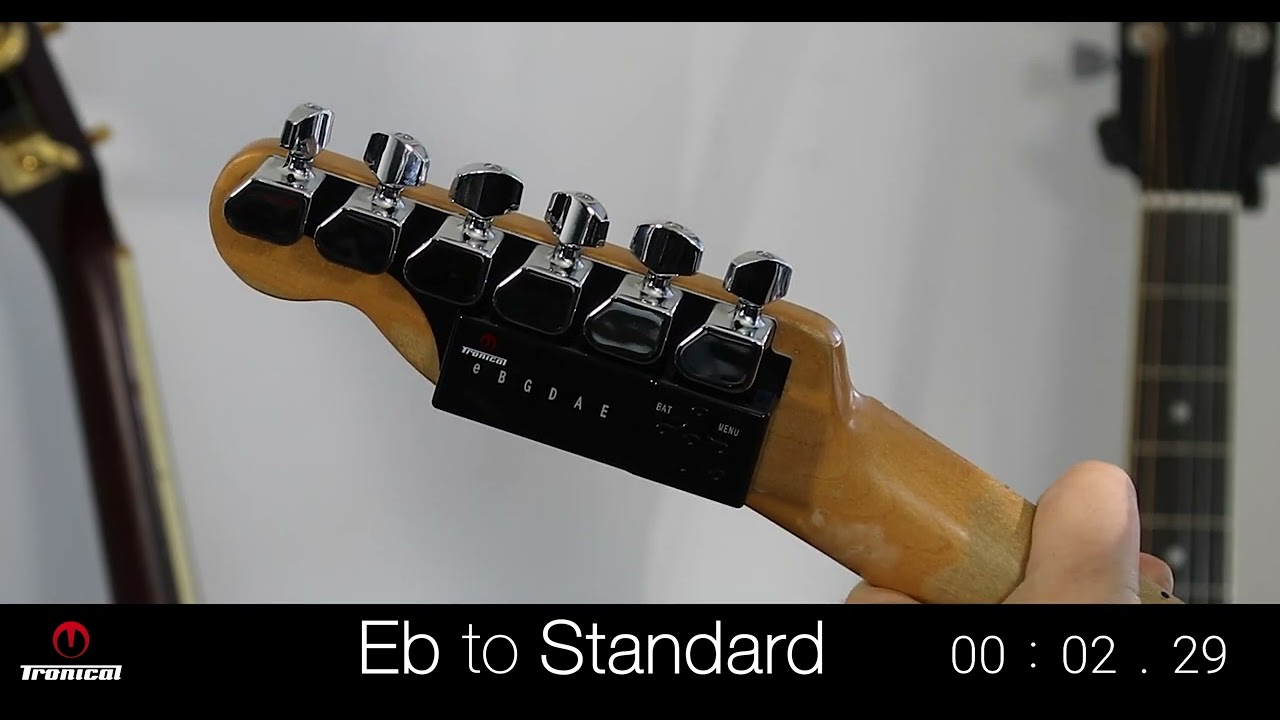
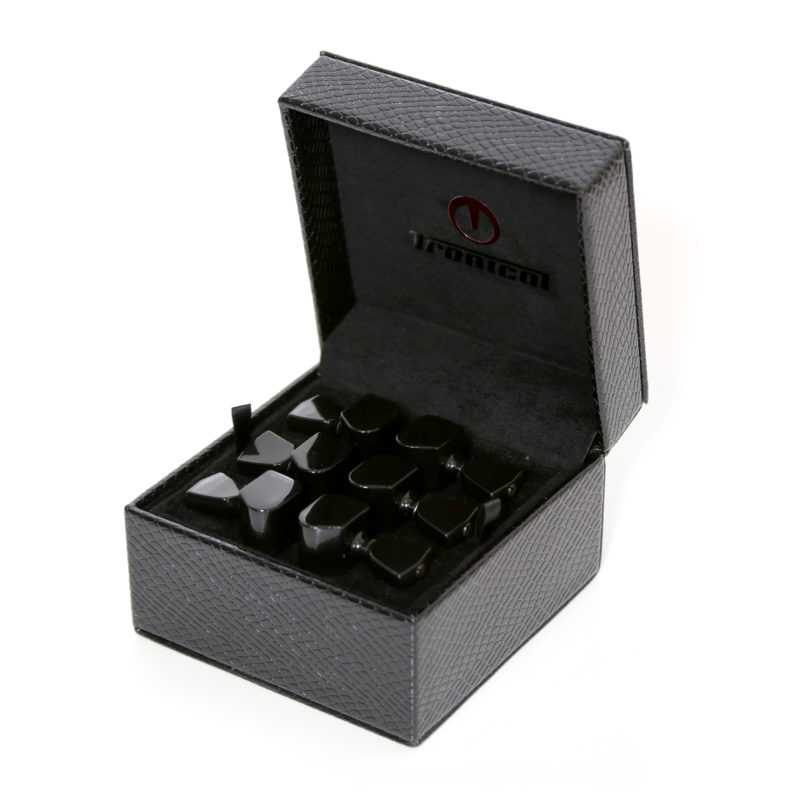
Guitar Tuna is like that trusty sidekick you always wanted, right there in your pocket. It’s a free app that turns your smartphone into a powerful tuner for guitars, basses, ukuleles, and more. With its sleek design and user-friendly interface, you can tune up without a hitch and get back to rockin’ out.
Features That Rock
- Accuracy: This app is like a hawk, zeroing in on that perfect pitch.
- Multiple Instruments: You can tune guitars, basses, ukes, and even a few more stringed beauties.
- Metronome: Keep your rhythm tight with the built-in metronome feature.
- Chord Library: Need some fresh chord ideas? Guitar Tuna’s got your back.
- Custom Tunings: Slash that creativity and customize your tuning settings!
Pros and Cons of Using Guitar Tuna
Like any good rock anthem, it’s got its ups and downs. Here’s the lowdown:
Recommended gear: Lock Nut Set for MinETune
Pros
- Free and easy to use – no strings attached!
- Great for various instruments, making it versatile.
- Visual feedback – you can really see what’s going on with your tuning.
- Perfect for beginners and pros alike.
Cons
- Can be a battery hog if you’re not careful.
- Some users might prefer a traditional tuner clip.
- Requires a bit of learning if you want to use all features.
How to Use Guitar Tuna Like a Pro
Ready to rock? Here’s how to get started:
Recommended gear: F1 Type Tronicaltune PLUS Guitar Tuner
- Download the App: Grab Guitar Tuna from the App Store or Google Play.
- Select Your Instrument: Choose from the list of supported instruments.
- Start Tuning: Pluck a string, and let the tuner do its thing.
- Use the Metronome: Get that timing right for your next jam session.
Real-World Use: On Stage & In the Studio
Guitar Tuna isn’t just for practice; it’s a lifesaver on stage and in the studio. Picture this: you’re about to kick off a gig, and you need to tune up fast. Pull out your phone, fire up Guitar Tuna, and bam! You’re ready to rock without a hitch. Plus, it’s a fantastic tool for studio sessions where every note needs to shine.
Recommended gear: E Type Tronicaltune PLUS Guitar Tuner
Product Recommendations
If you’re serious about your sound, check out tools that can complement Guitar Tuna:
- Lock Nut Set for MinETune – solidify your tuning.
- E Type Tronicaltune PLUS Guitar Tuner – precision tuning for your Les Paul.
- F1 Type Tronicaltune PLUS Guitar Tuner – great for electrics.
Frequently Asked Questions
1. Is Guitar Tuna really free?
You bet! The basic features are totally free, but there are some in-app purchases for extras.
2. Can I use Guitar Tuna without an internet connection?
Yep! You can download it and use it offline, which is awesome for gigs in remote spots.
3. Does it work on all types of guitars?
Absolutely! It works with electric, acoustic, and bass guitars, plus ukuleles and more.
4. How accurate is Guitar Tuna compared to a clip-on tuner?
It’s pretty darn accurate, but some musicians still prefer the feel of a clip-on tuner for speed and convenience.
5. What devices can I use Guitar Tuna on?
You can rock it on both iOS and Android devices. Just download from the respective app stores!
So there you have it! Guitar Tuna is your go-to buddy for nailing that perfect tune. Whether it’s on stage or in the studio, let this app be your rock-solid foundation. Get your sound locked in and keep the audience wanting more!
{“@context”:”https://schema.org”,”@type”:”Article”,”headline”:”Guitar Tuna: Your Ultimate Tuning Companion on Stage”,”description”:”Unlock the power of Guitar Tuna for perfect tuning every time!”,”author”:{“@type”:”Person”,”name”:”Rock Musician”},”datePublished”:”2023-10-01″,”image”:”https://example.com/image.jpg”}
