backgroundi How to check your guitar
Guitar Finder · First step

Find your guitar first

Choose the brand and model. If your guitar is listed, we will show the compatible TronicalTune system directly.

Step 1 of 3 기타 브랜드를 선택하세요
기타 브랜드
기타 모델

기타가 목록에 없나요? 호환성 확인 가이드를 참고하세요.

Guitar not listed?

Measure your headstock instead

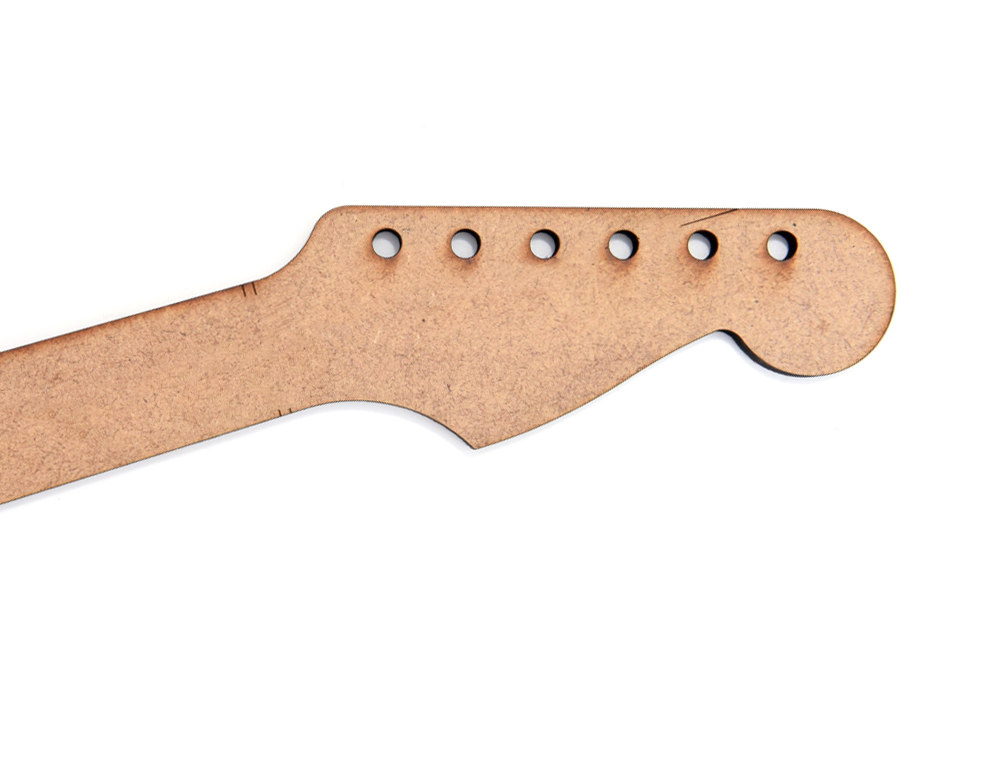
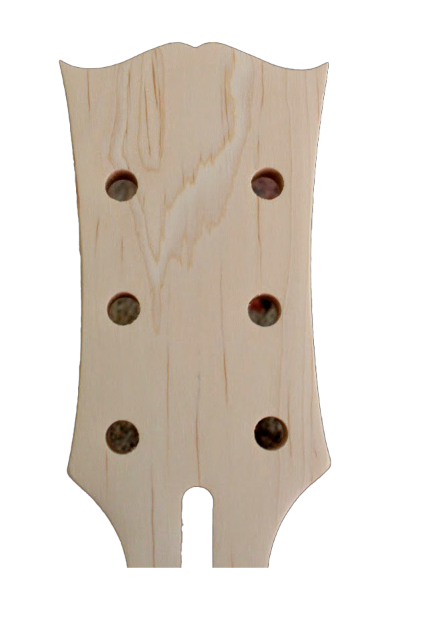
Choose 3+3 or 6-in-Line and enter a few simple measurements.

Exact fit confirmation

Check with the official templates

The measurement assistant gives you a reliable first indication. Before ordering, use the full-size PDF template to confirm the PCB outline and all six tuner holes on your actual headstock.

Download all templates

PDF
Step 1

Download the templates

Open the official combined PDF. You can also compare your guitar with the Guitar List.

Printer settings for the TronicalTune template
Step 2

Print at full size

  • Page size: 100%
  • Page adaptation: None
  • Page scaling: None
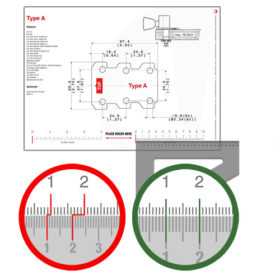
Checking the printed template with a ruler
Step 3

Verify the print scale

Place a ruler on the printed reference scale. Continue only when the ruler and the PDF scale match exactly.

Cutting out a TronicalTune template
Step 4

Cut out your type

Carefully cut along the outside contour of the suggested PCB template.

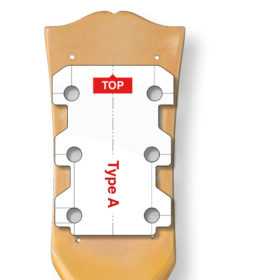
Template placed on the back of a guitar headstock
Step 5

Place it on the headstock

Put the template on the back of your headstock. The PCB outline must fit and all six holes must be congruent with your tuner holes.

Still unsure about the result? Contact our support team before ordering.