
 Sale
Sale


Get in Tune: The Ultimate Guide to Online Guitar Tuners
Let’s face it, nothing’s worse than playing a killer riff on a guitar that’s outta tune. If you’re like me, you want that sweet sound ringing out crisp and clear. That’s where an online guitar tuner comes in clutch. These web-based tools are a guitarist’s best buddy, letting you get your axe tuned up right before hitting the stage—or just jamming out in your garage.
What is an Online Guitar Tuner?
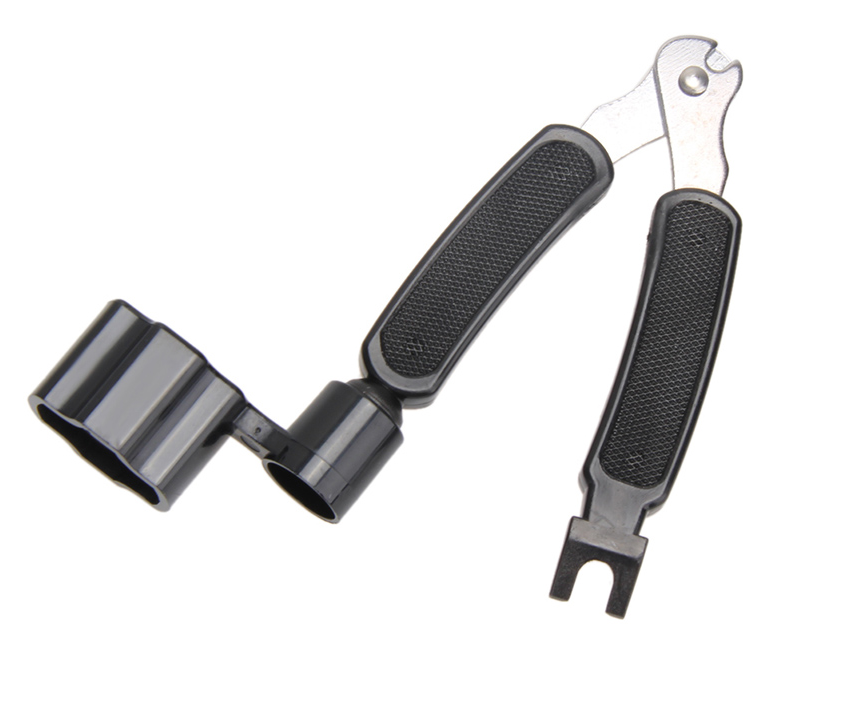
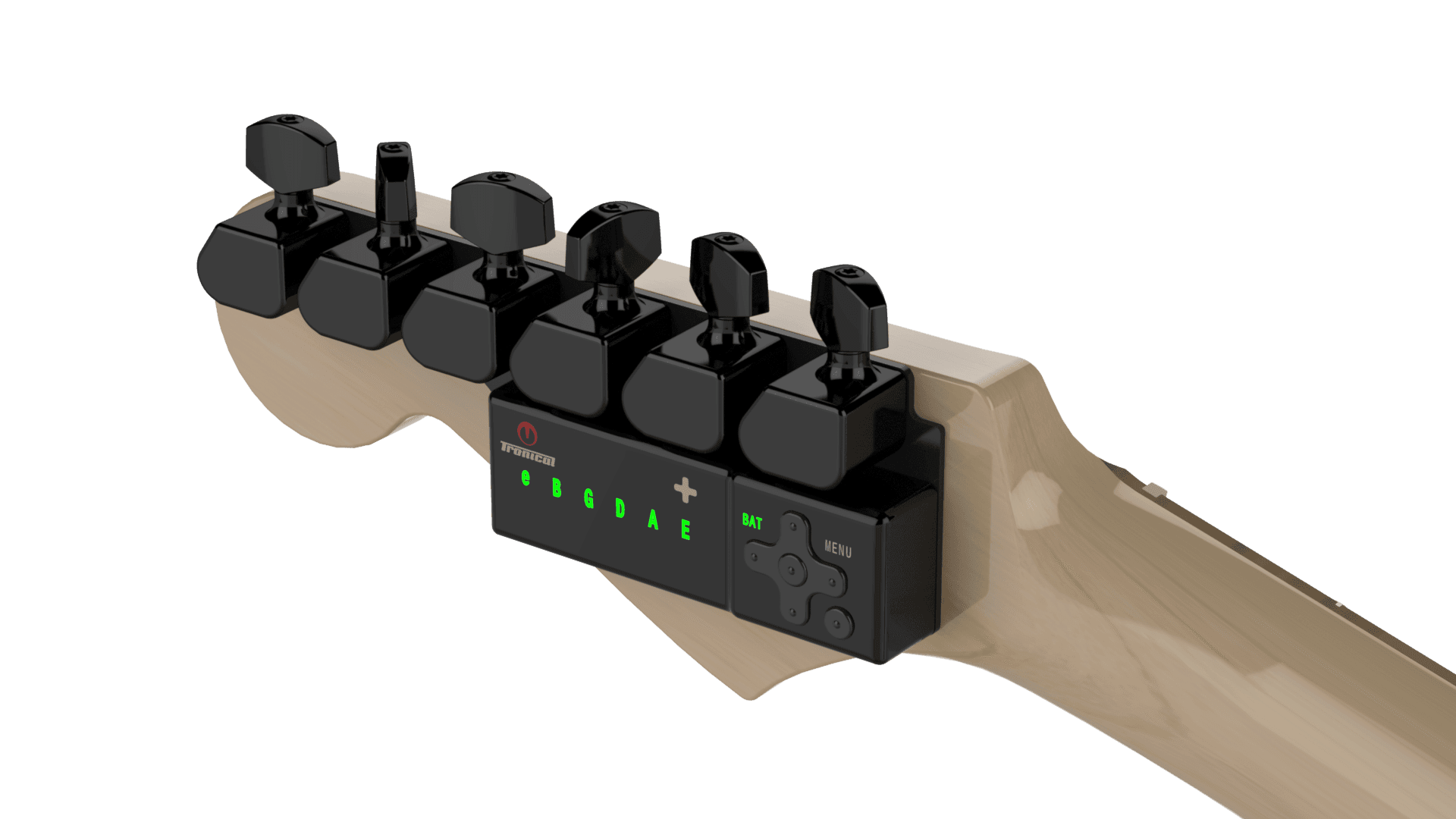
Essentially, an online guitar tuner is a tool you can access via your browser or mobile device that helps you tune your guitar accurately. They often use your device’s microphone to listen to the sound of your guitar and provide feedback on its pitch. It’s like having a personal guitar tech hanging out with you, ready to make sure you sound killer on the spot!
Why Use an Online Guitar Tuner?
There are tons of reasons an online guitar tuner rocks:
- Accessibility: You don’t need to lug around a physical tuner. Just pull up a site on your phone or laptop wherever you are.
- Cost-Effective: Most online tuners are free or low-cost, so you can keep your gear budget intact.
- User-Friendly: They’re generally simple to use. Just play a string and follow the instructions—no slide rules needed.
- Variety: Many tools allow you to tune to various instruments or alternate tunings, expanding your sonic palette.
How to Use an Online Guitar Tuner
Don’t sweat it! Using an online tuner is as easy as 1-2-3:
Recommended gear: Gibson Firebird X PowerHead
- Set It Up: Open the tuner app or website and make sure your device’s microphone is working. You might need to adjust volume settings, so it picks up your guitar sound clearly.
- Play a String: Strike the string you want to tune. Most tuners will give you a visual representation of how flat or sharp it is compared to the standard pitch.
- Tweak It: Adjust the tuning pegs until the tuner indicates you’re right on target. Rinse and repeat for all six strings!
Best Online Guitar Tuners Available
There’s a boatload of options out there, but here are a few that stand out:
Recommended gear: TronicalTune World Travel USB Charger
Recommended gear: Q Type Tronicaltune PLUS Guitar Tuner
- GuitarTuna: This app and website combo is super popular among guitarists. It’s easy to use and has a ton of features, including games to help you practice.
- ProGuitar: A more advanced tuner with options for different instruments and custom tunings. Great for seasoned players looking to get specific.
- Online Guitar Tuner by Fender: Fender’s offering is sleek and straightforward. If you want something with a solid name behind it, this one’s a go-to.
Pros and Cons of Online Guitar Tuners
Like everything in life, online guitar tuners come with their ups and downs. Let’s break it down:
Pros:
- Convenience—tune anywhere.
- Usually free.
- Simple interface for beginners.
- Can support various instruments beyond guitars.
Cons:
- Depends on microphone quality—some phones may not pick up sound as well.
- Online options can be less reliable in noisy environments.
- May lack advanced features available in some physical tuners.
Real-World Use Case: Tuning Before a Gig
Picture this: You’re backstage, the crowd’s roaring, and it’s time to plug in. You’re not about to let a little thing like being out of tune mess with your vibe. Here’s how an online guitar tuner can save the day:
- Open your favorite online tuner app on your phone.
- Quickly tune your guitar in a few minutes before you hit the stage.
- Feel confident and ready to shred!
For even smoother performances, you can pair your online tuning with gear like the TronicalTune World Travel USB Charger to keep your devices powered up during gigs.
Tips for Getting the Best Tune
To ensure you get the most out of your online guitar tuner, keep these tips in mind:
- Make sure your guitar is in a comfortable environment—avoid direct sunlight and extreme temperatures.
- Always tune your guitar before practice or performance for the best sound.
- If you’re tuning by ear after using an online tuner, occasionally check back to the tuner for accuracy.
FAQ Section
1. Can I use an online guitar tuner on my phone?
Absolutely! Just open your preferred tuner app or website, and you’ll be good to go.
2. Is it accurate to use an online guitar tuner compared to a physical tuner?
Yeah! Most reputable online tuners are pretty spot-on. Just make sure you’re in a quiet space for the best results.
3. What if my microphone doesn’t pick up sound well?
Try turning up the volume of your guitar or moving closer to the microphone. You might also consider investing in a good quality microphone for your setup.
4. Can I use an online guitar tuner for alternate tunings?
Most online tuners offer different tuning settings, so you can absolutely use them for alternate tunings.
5. What are some good physical tuners if I want one?
Look into brands like Snark or Korg—they’ve got solid options. If you want something more advanced, check out the Gibson Firebird X PowerHead.
Wrapping It Up
So there you have it! The digital age has brought us a tsunami of resources to keep our guitars singing. An online guitar tuner is a must-have for anyone looking to stay sharp, whether you’re a basement jammer or a full-on rock star. Give it a try, and before you know it, you’ll be jamming like a pro!
{“@context”:”https://schema.org”,”@type”:”Article”,”headline”:”Get in Tune: The Ultimate Guide to Online Guitar Tuners”,”author”:{“@type”:”Person”,”name”:”Rock Guitarist”},”datePublished”:”2023-10-01″,”image”:”https://example.com/image.jpg”,”articleBody”:”Let’s face it, nothing’s worse than playing a killer riff on a guitar that’s outta tune. If you’re like me, you want that sweet sound ringing out crisp and clear. That’s where an online guitar tuner comes in clutch…”}
